Your terminal wasn't built for agents.

You're not just typing commands anymore — you're orchestrating AI agents across repos, branches, and ideas. Everything changed. Except your terminal.

Until now.

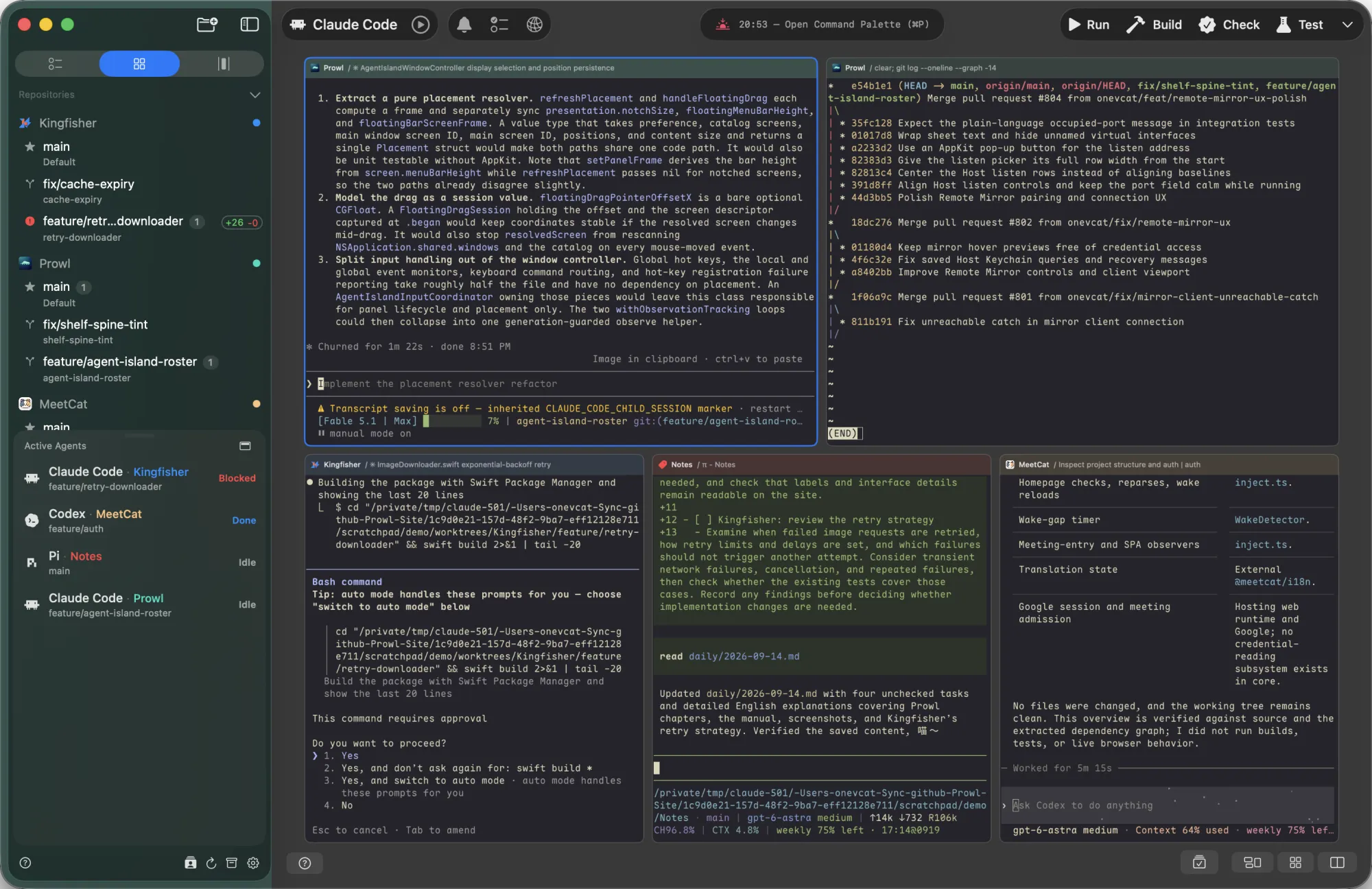
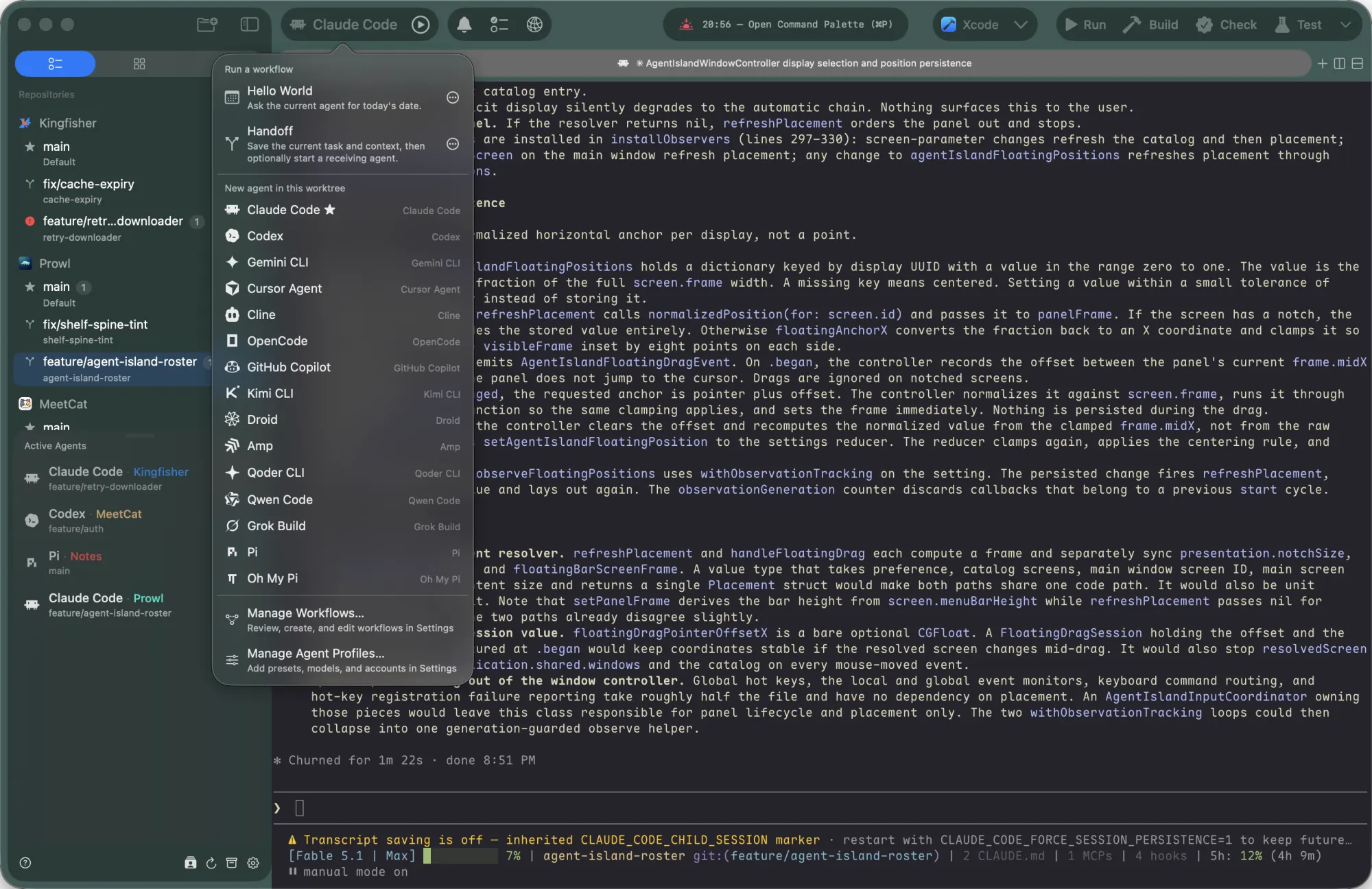
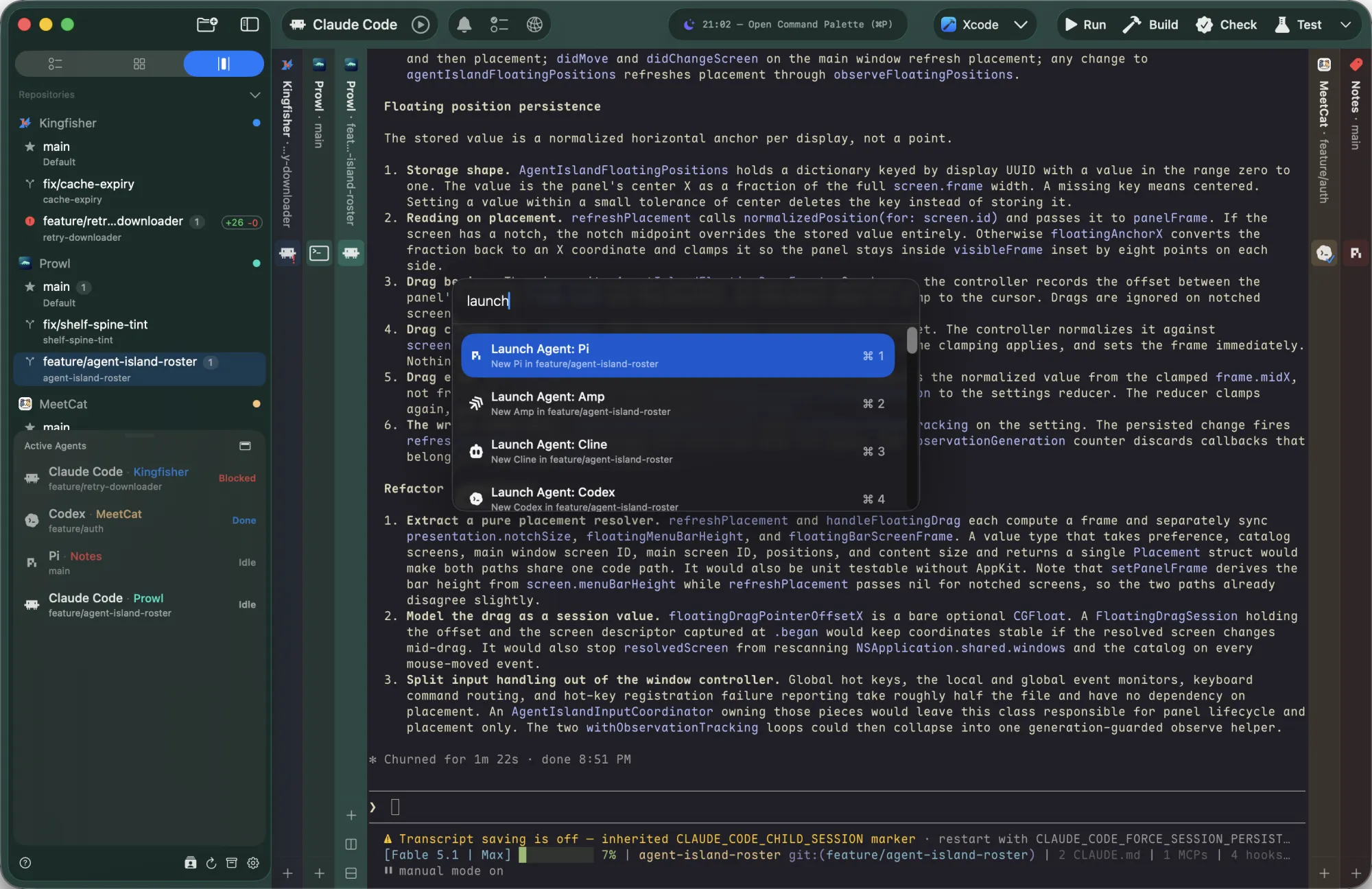
Prowl app — vertical tabs, terminal, command palette, and split view
01

Canvas

Three agents running. One just finished.
Where?

Canvas gives you the bird's-eye view — every card is a real, live terminal you can read and interact with.

  • Each card is a live terminal — not a thumbnail, not a preview
  • Finished tasks light up instantly so you never miss a completion
  • Broadcast one message to multiple agents at once
prowl
✓ 23 tests passed
kingfisher
codex … 3 files
MeetCat
vitest run …
YiTong
idle
Send to all: npm run lint
02

Shelf

Five repos open. Each one a different agent, a different command.
You need the next one — without losing this one.

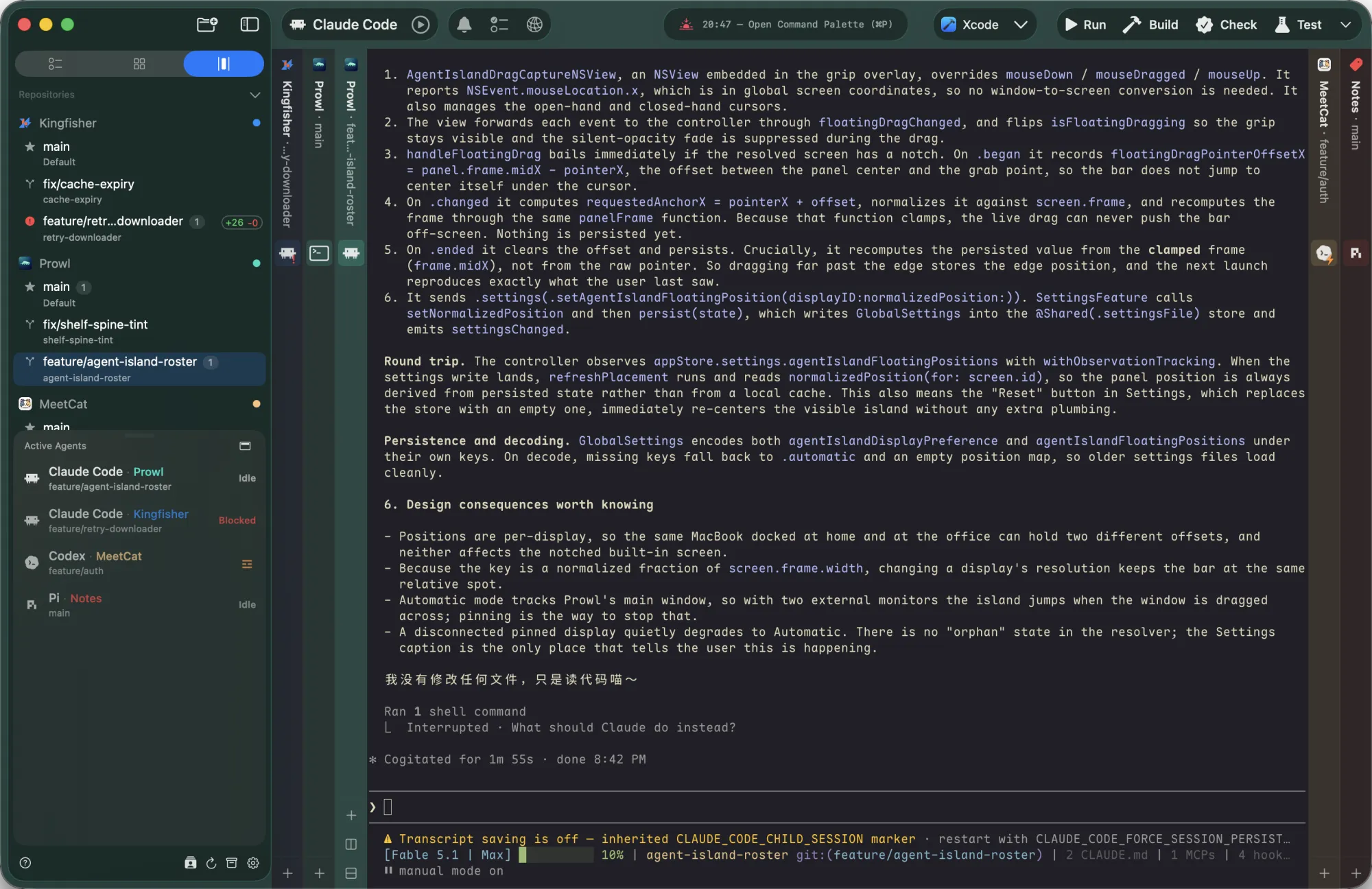
Shelf gives every worktree its own spine. One book open, the rest standing by — click a spine, the shelf flows aside, your terminal opens like a book.

  • Spine icons follow the running command — codex, vitest, swift, git… one glance tells you what's alive
  • ⌘⌃←/→ cycles books · ⌘⌃↑/↓ cycles tabs
  • Canvas zooms out to orchestrate. Shelf zooms in to focus — and switches without breaking it.
Prowl
ai-ship
kingfisher
prowl
prowl main +
swift test
Build complete! (1.2s)
Test Suite passed — 23 tests, 0 failures
YiTong
MeetCat
03

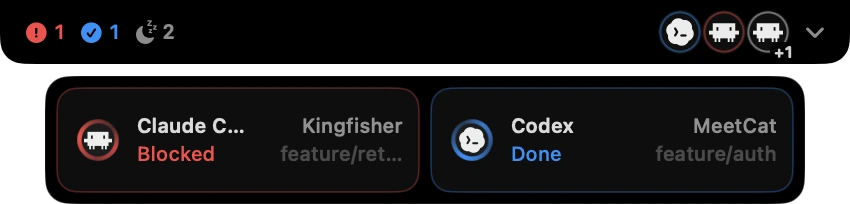
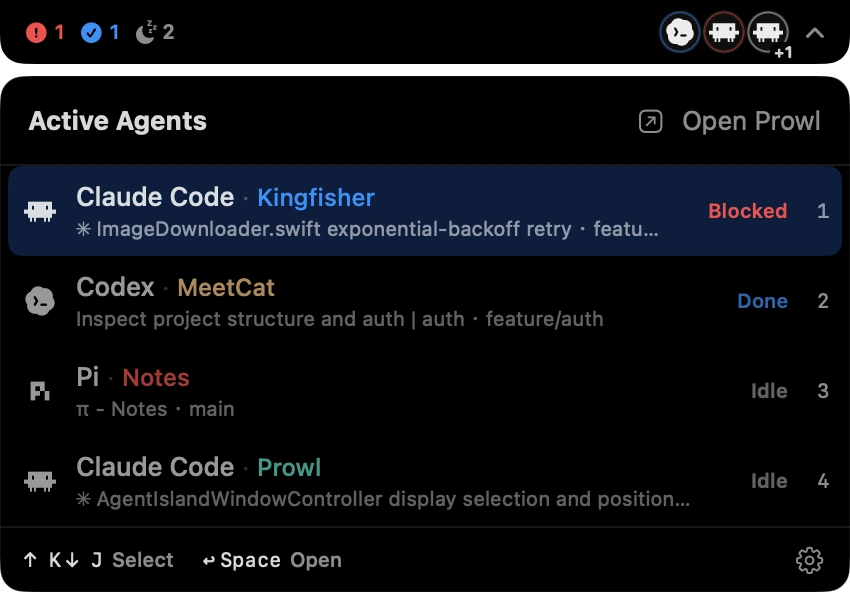
Active Agents

Three agents running across two projects.
One blocked. One working. One waiting.

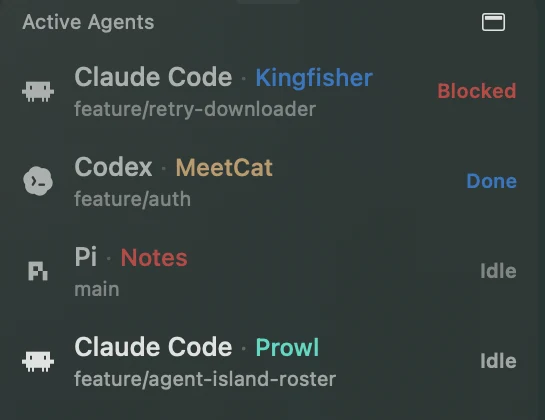
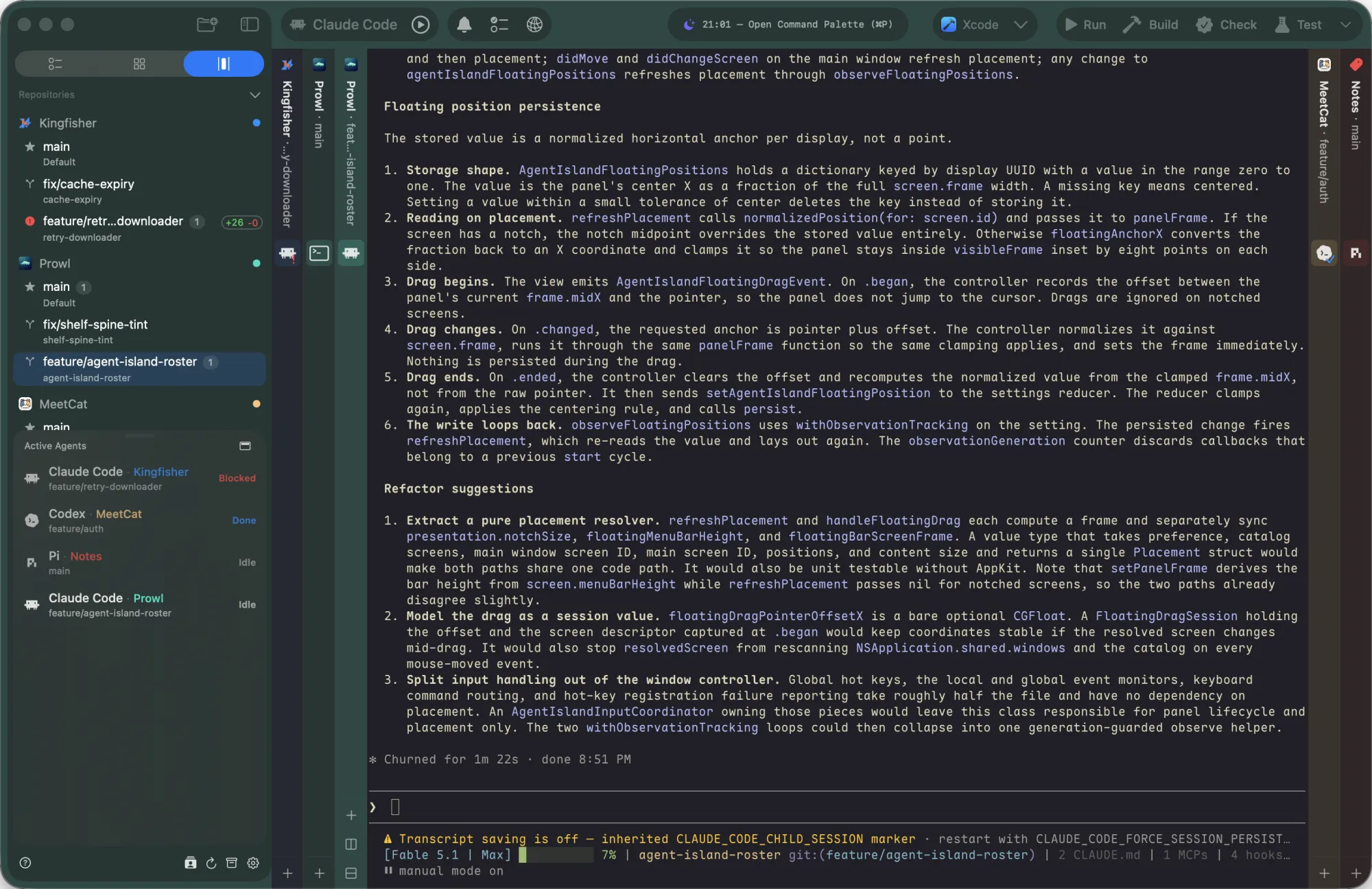
Active Agents lifts every running agent out of the sidebar — a single panel that always shows who's working, who's blocked, and who just finished, regardless of which repo they live in.

  • One panel, every agent, every repo — no hunting through tabs
  • Status flips live: working · blocked · done · idle
  • Click an entry to jump straight into that agent's tab
Active Agents 3
codex · Prowl
main
Working
claude · Prowl
main
Blocked
π
pi · Kingfisher
master
Idle
04

CLI

Your agent needs to run a test, read the result, and decide what to do next.
In most terminals, it's flying blind.

Prowl exposes a full CLI that both you and your agents can use to control the terminal programmatically — send commands, capture output, orchestrate multiple panes.

  • prowl list — discover all panes & their status
  • prowl send --capture — execute & capture output in one shot
  • prowl read — read screen content on demand
  • prowl key — send keystrokes programmatically
  • Multi-agent orchestration, CI scripting, automated workflows — the only limit is your imagination
Terminal
$ prowl list --json
▸ prowl       (3 tabs) ● running
▸ kingfisher  (1 tab)  ○ idle
 
$ prowl send "npm test" --capture
⏳ waiting for shell…
✓ exit 0 (3.2s)
 
captured output:
  Tests  12 passed
  Time   3.18s
$
05

Custom Actions

Build, test, deploy — the same commands, typed out the same way, in every repo, every single day. Stop repeating yourself.

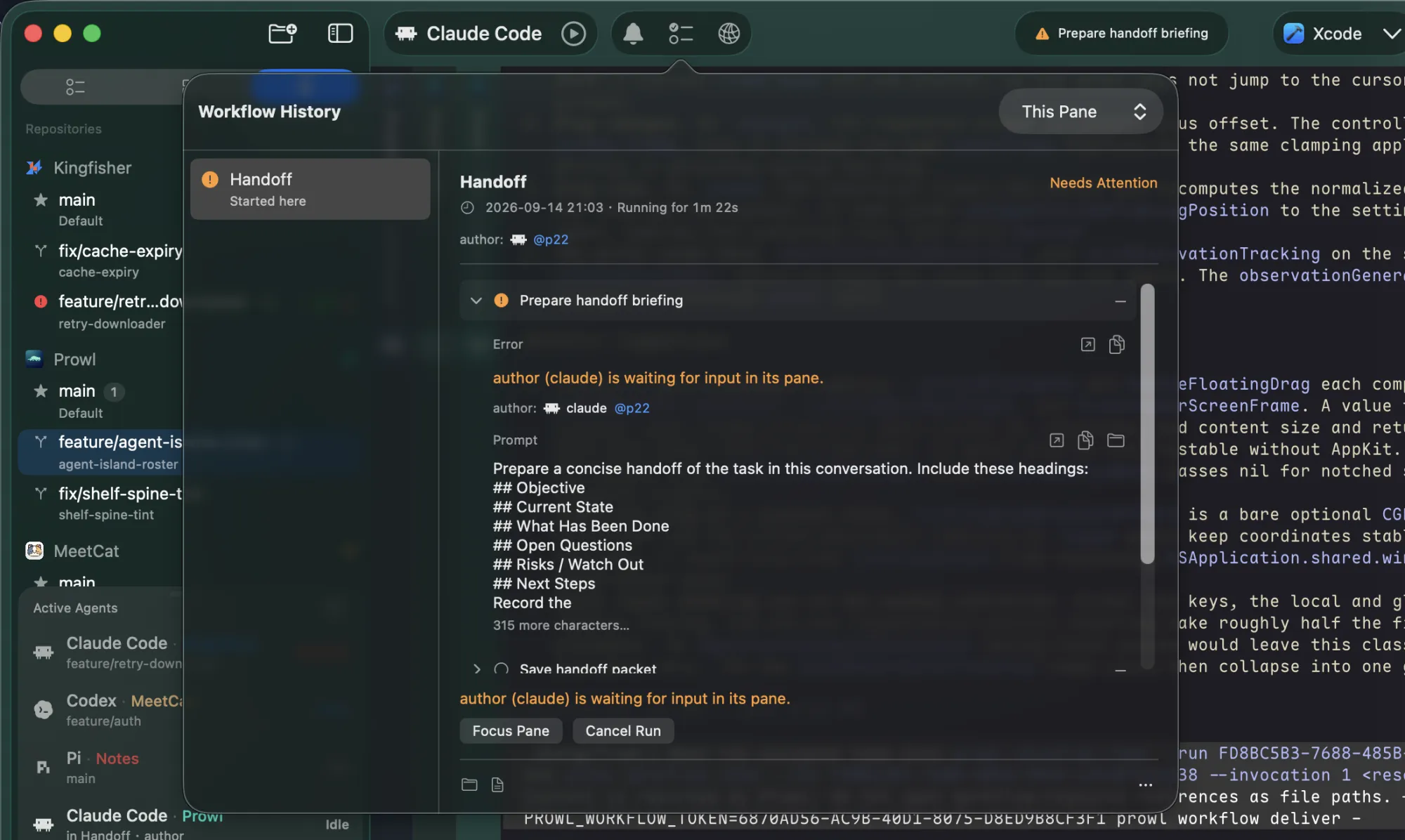
Pin any workflow to a button. Trigger it with a keystroke. Pair it with claude -p or codex exec to turn your terminal into a daily AI-powered assistant.

  • Unlimited action buttons per repo — add as many as you need
  • Shell script or direct terminal input, each with its own shortcut
  • One keystroke to kick off builds, tests, agents, or deploy pipelines
prowl
Build ⌘B
Test ⌘T
Deploy ⌘D
swift build
  Compiling Prowl (42 sources)…
  Build complete! (4.8s)
⌘ B

And everything you'd expect from a modern terminal — done right.

Full Native

Powered by libghostty. No Electron, no web views — just raw native speed. No surprising edge cases, no rendering glitches. CJK-friendly out of the box.

Vertical Tabs

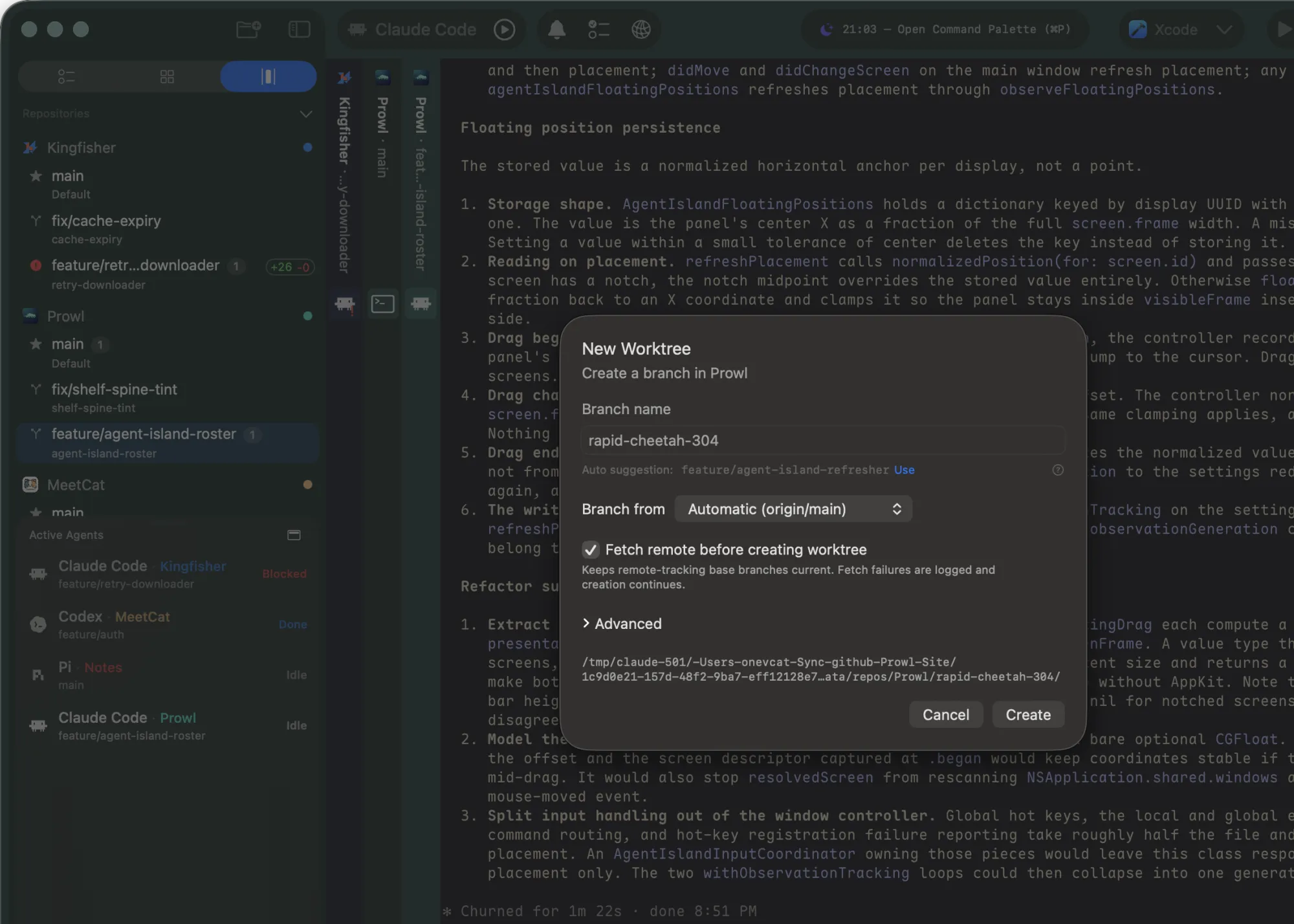
Repos, branches, and worktrees — organized in a sidebar. Switch context without losing your place.

Agent Reminder

Get notified the moment an agent finishes — never miss a completion buried in background tabs.

Start prowling.

Free & Open Source

Or install via Homebrew:
brew install --cask onevcat/tap/prowl

A personal fork of Supacode, built for daily use.